PHOENIX / BRAND RESOURCES
IDENTITY SYSTEM · 01Brand resources
The name and shapes you need to present Phoenix AI.
From the wordmark to the smallest symbol, one consistent impression.
01 / WORDMARK
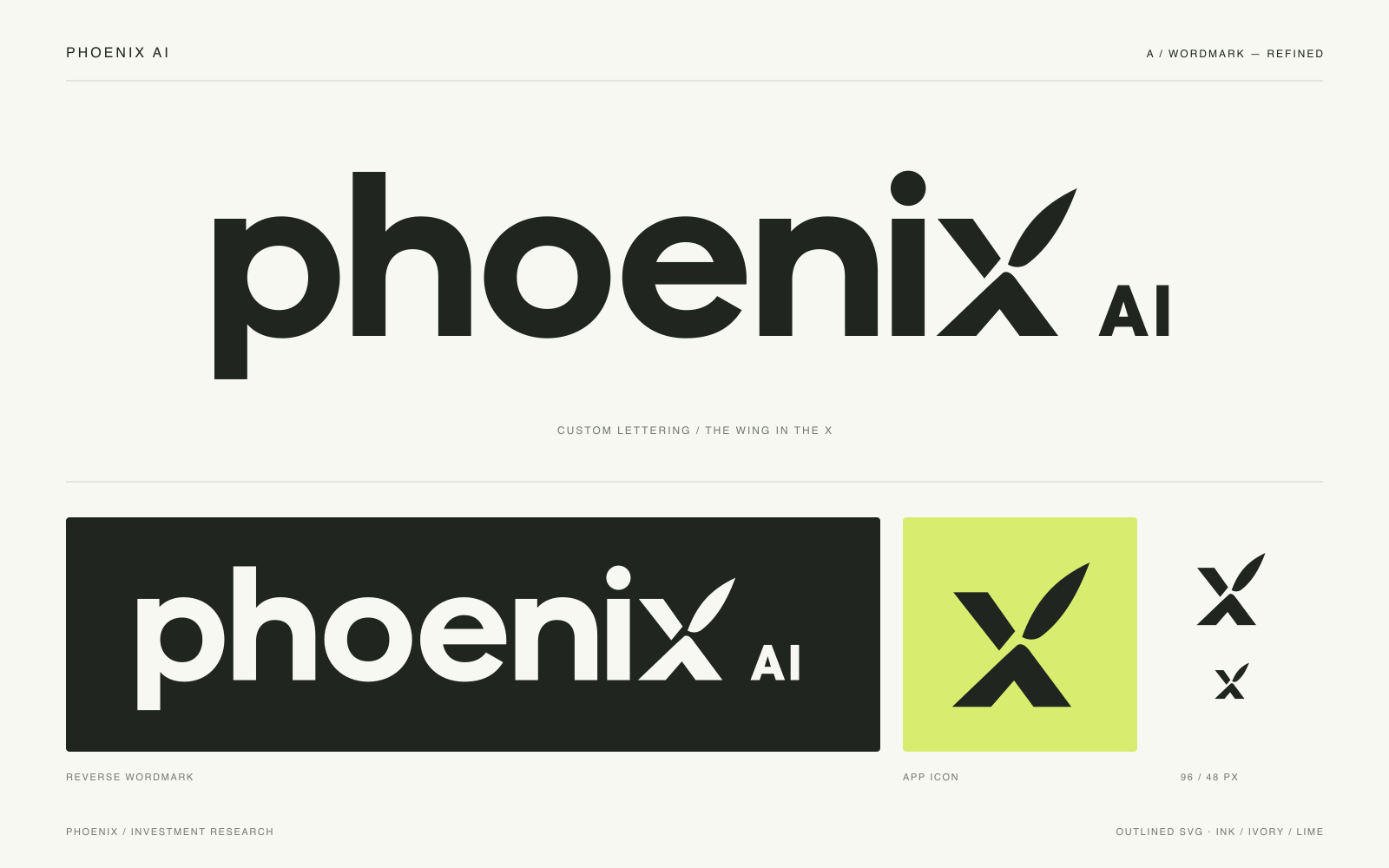
A wing in the name.
Geometric lowercase lettering, with a wing in the final x.
The primary logo for websites, brochures and presentations.


SVG is a vector file that stays sharp at any size. PNG has a transparent background, so you can place it directly over images.
02 / SYMBOL & APP ICON
Phoenix, even at small sizes.
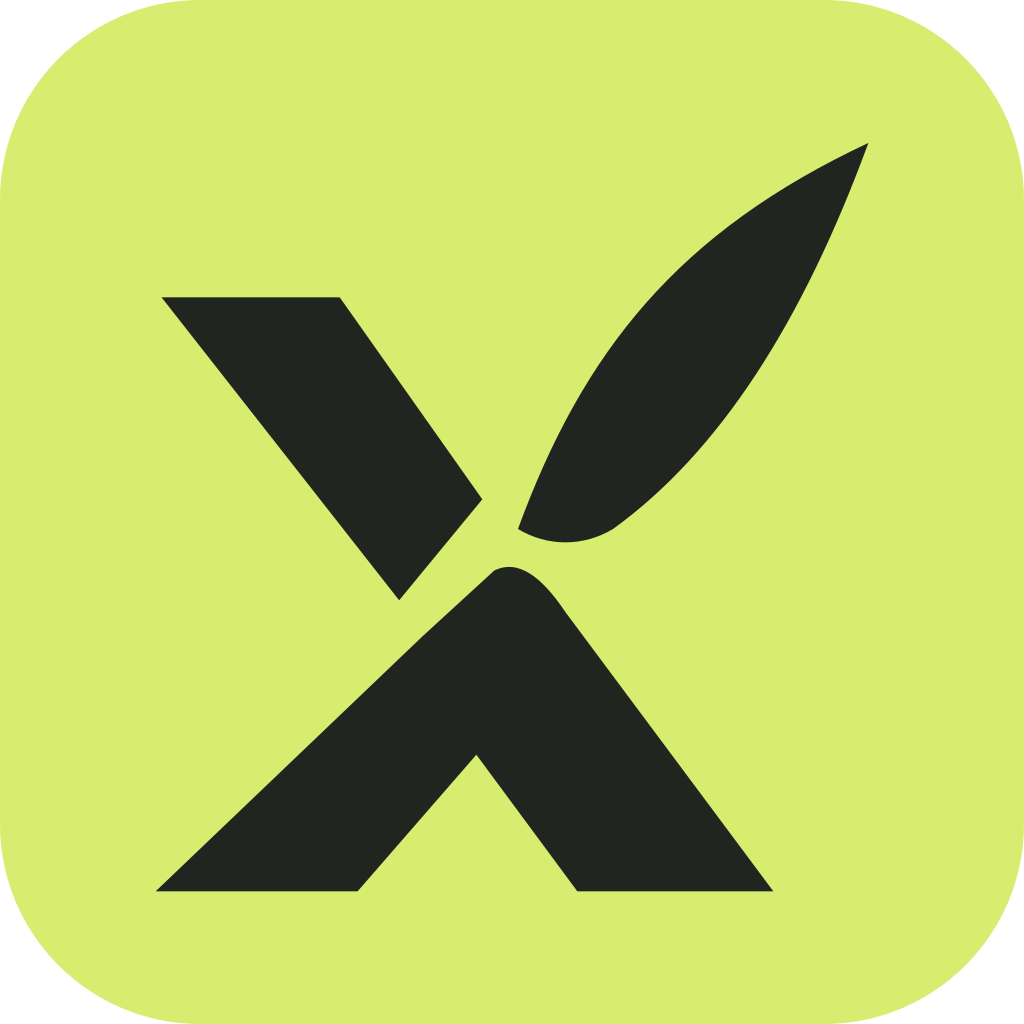
A standalone symbol drawn from the x in the wordmark.
Use it for favicons, app icons and small profile images.




03 / COLOR PALETTE
Three colors, one clear impression.
Ink and ivory form the base.
Lime is used sparingly, where emphasis is needed.
#20251FWordmark · body text · primary symbol
#F7F8F2Background · reversed logo
#D8ED70Accent · app icon background
Keep the original proportions.
Do not stretch it horizontally or vertically, and leave clear space of at least 1/4 of the letter height around it.
Match the color to the background.
Use the ink logo on light backgrounds and the ivory logo on dark backgrounds.
Use the wordmark as one shape.
Do not rearrange the letters or give the x a different color. Do not add shadows or gradients.
Keep the symbol for small spaces.
Do not place the symbol in front of the wordmark. App icons may use the lime background.
READY TO USE
Everything you need, in one package.
Includes SVG and PNG files for the wordmark, symbol and app icon, plus a preview image and the usage guide.